One key.
Connect leading models.
Access supported models through one API. Check the model catalog for available configurations and account permissions.
Explore integration ↗ ByteSOTAAI Gateway
A world-leading platform for AI video models
One API key
Leading video models at volume rates
Built
into your tools and workflows
THE MODEL GALLERY
From one frame to the next idea
Find a video model for your
workflow
The world’s leading video models, all here

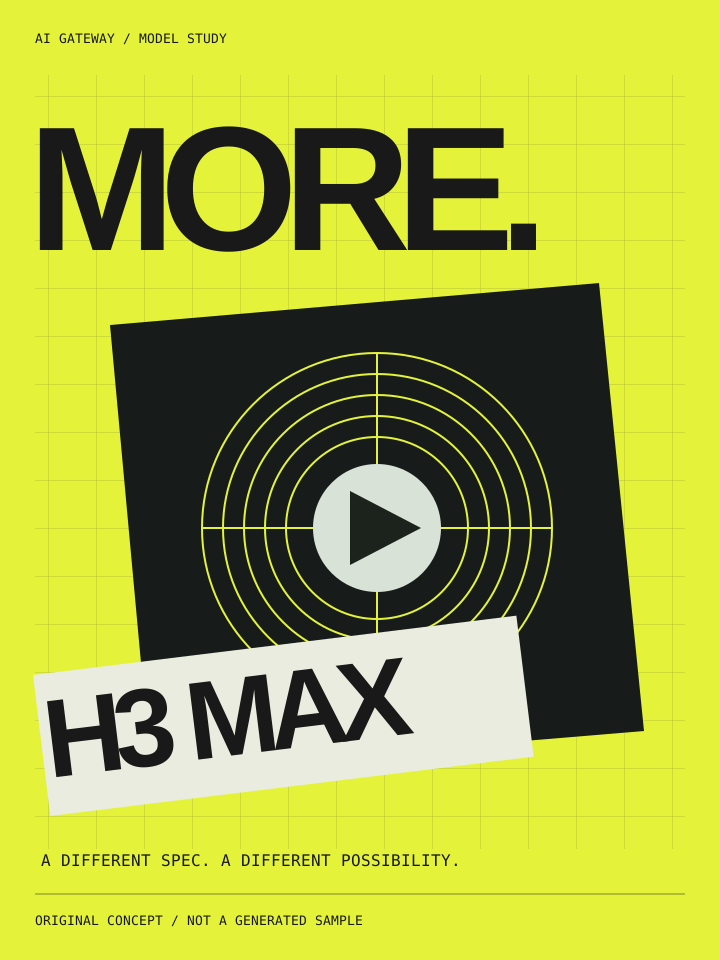
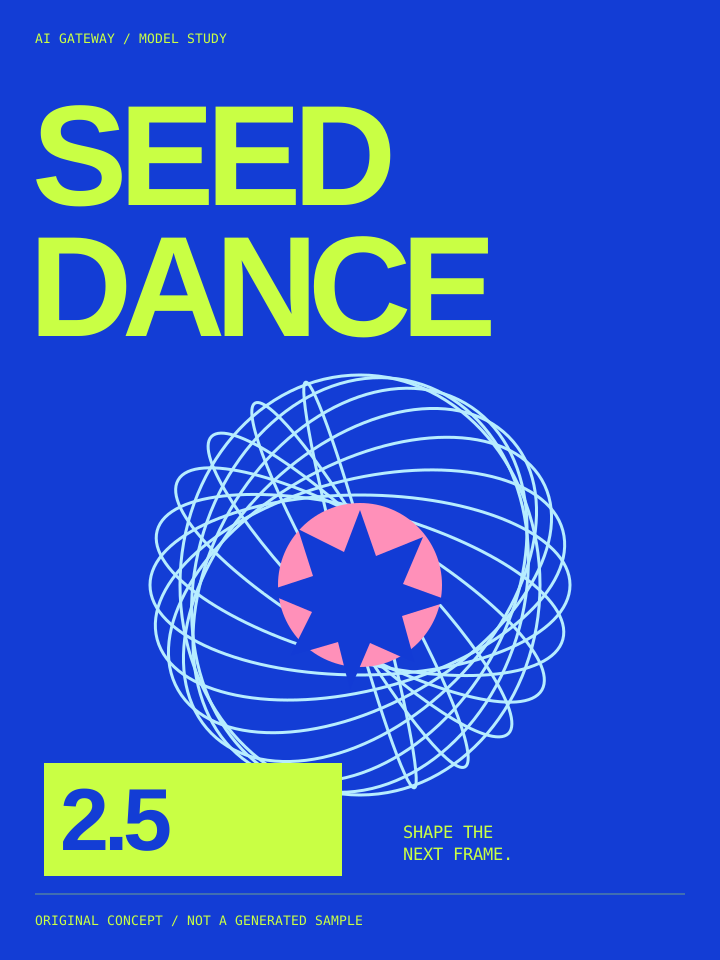
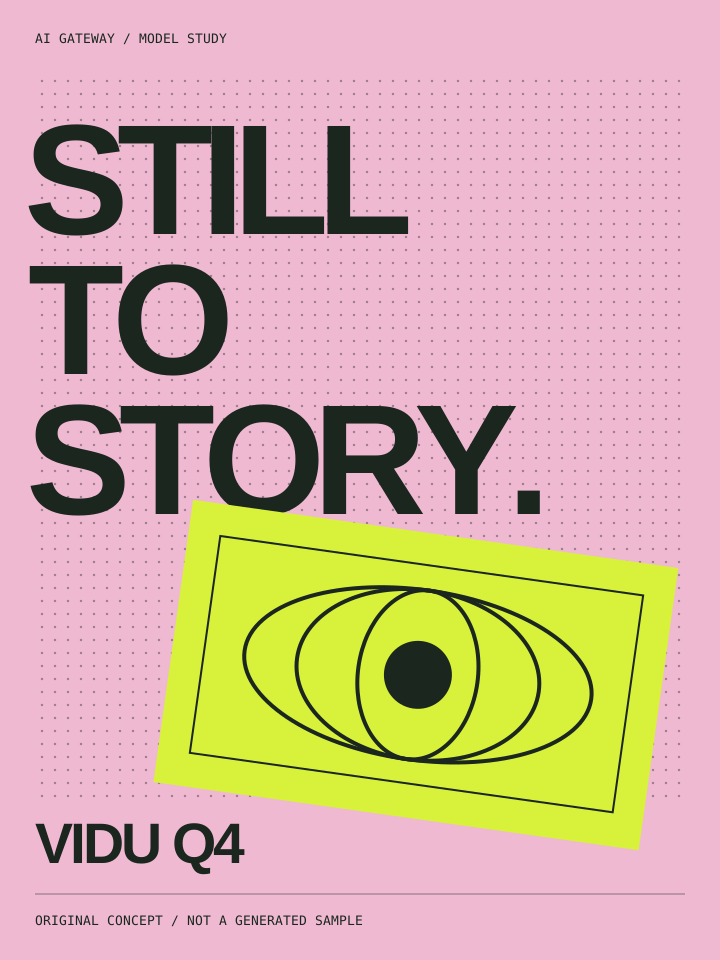
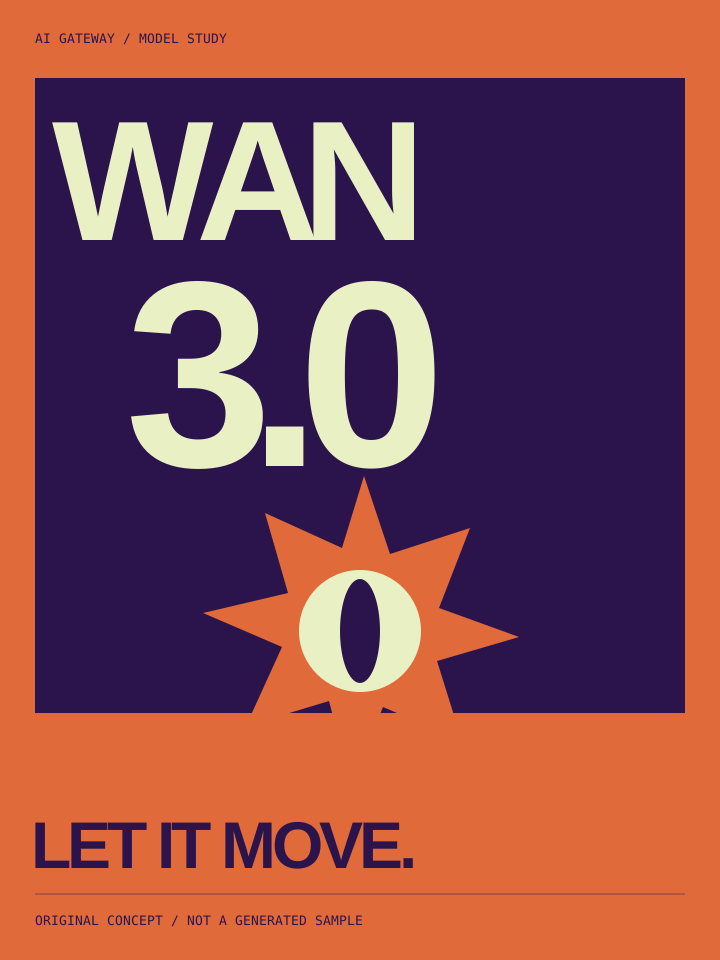
LESS FRICTION. MORE CREATION.
One API · Volume pricing · Official infrastructure
Access supported models through one API. Check the model catalog for available configurations and account permissions.
Explore integration ↗Pooled purchasing delivers savings on selected models and configurations. Compare like-for-like rates in the pricing table; discounts vary by configuration.
Explore pricing ↗Models are accessed through official partnerships and authorized channels. Available features depend on each model’s supply arrangement, authorization and supported configurations.
Explore capabilities ↗01 / MODEL LIBRARY
Specialist support for AI video models, powering standout videos, animated series and ad creatives.
8 / 8
Generate video from text, opening and closing frames, or reference media.
minimax-h3
An independent H3 variant with its own supported specifications.
minimax-h3-max
Video generation, editing and extension for reference-based workflows.
seedance-2.5
Start with an opening frame or reference images and bring still imagery into motion.
vidu-q4-preview
Generate video from text, frame constraints or reference material.
wan-3.0
An independent Wan model with its own specifications and access permissions.
wan-3.0-prime
Regenerate your successful H3 768P task as a 2K video.
minimax-h3-regeneration
Enhance a creative prompt and receive text for the next generation step.
minimax-h3-context-ir
No matching models. Adjust your search or filter.
Explore the models supported by ByteSOTA. Availability depends on your account permissions; check /v1/models for enabled models, configurations and defaults.
02 / BUILT FOR YOUR WORKFLOW
Let your AI assistant handle integration, or connect the tools you already use.
Copy the integration prompt into your AI coding assistant or agent. It will read the guide and write integration code for your project. Configure your API key on the server to get started.
In tools that support our video API, enter your API key and the API Base URL from the guide, then choose a model. Other tools can be adapted using the same guide.
Help me integrate ByteSOTA (AI Gateway) into my project. Read the API guide at https://bytesota.businessmodelcraft.com/guide.html, preferably its plain Markdown version at https://bytesota.businessmodelcraft.com/api-guide.md. Follow the documented API base URL, authentication, model parameters, idempotency and task polling rules. Check the existing project and explain the changes needed, then implement the integration. Use an environment variable for my API key; never put it in client-side code. Ask me to confirm the model and budget before making any paid generation request.The prompt includes a direct link to the full guide in Markdown, ready for your agent to read. Markdown ↗ · AI documentation index ↗
curl --request POST 'https://bytesota-api.businessmodelcraft.com/v1/videos/generations' \
  --header 'Authorization: Bearer YOUR_PLATFORM_API_KEY' \
  --header 'Content-Type: application/json' \
  --header 'Idempotency-Key: example-minimax-h3-text-001' \
  --data-raw '{
    "model": "minimax-h3",
    "prompt": "A kitten walks along a garden path as the camera follows slowly.",
    "duration": 5,
    "resolution": "768P",
    "aspect_ratio": "16:9"
  }'
curl 'https://bytesota-api.businessmodelcraft.com/v1/tasks/vid_ABCDEFGHIJKLMNOP' \
  --header 'Authorization: Bearer YOUR_PLATFORM_API_KEY'
Copy this example into your project. It does not run on this page, and the API key shown is a placeholder.
03 / MORE ROOM TO CREATE
Choose a model. Understand its price.
Costs vary by model, configuration and usage. Compare current USD rates with dated official reference prices. Model access depends on your account permissions.
GOOD TO KNOW
Submitting a task reserves funds. Once generation succeeds and usage is confirmed, the actual charge is settled and any unused reservation is released. Reserved funds are not a final charge. If usage is incomplete, billing remains pending rather than being treated as free.
ByteSOTA issues API keys and enables access to individual models. Accounts are prepaid, and offline payments are credited after confirmation. Online payment is not currently available. Arrange access through your existing ByteSOTA contact.
It means the task was accepted. Save the task ID and follow next_poll_after_seconds. Check generation status, output availability and billing status separately.
The current service focuses on API integration for professional creators, studios and teams with technical support. An easier creation product is a longer-term direction; an online generation workspace is not currently available.
Download results using signed links and save a copy promptly. If a link expires, query the original task to obtain a new one. A refreshed link cannot restore a source file that is no longer retained; permanent storage is not provided.
MAKE ROOM FOR WHAT'S NEXT.
Connect your tools, your workflow and your imagination.